Developer guide
Documents of the management system
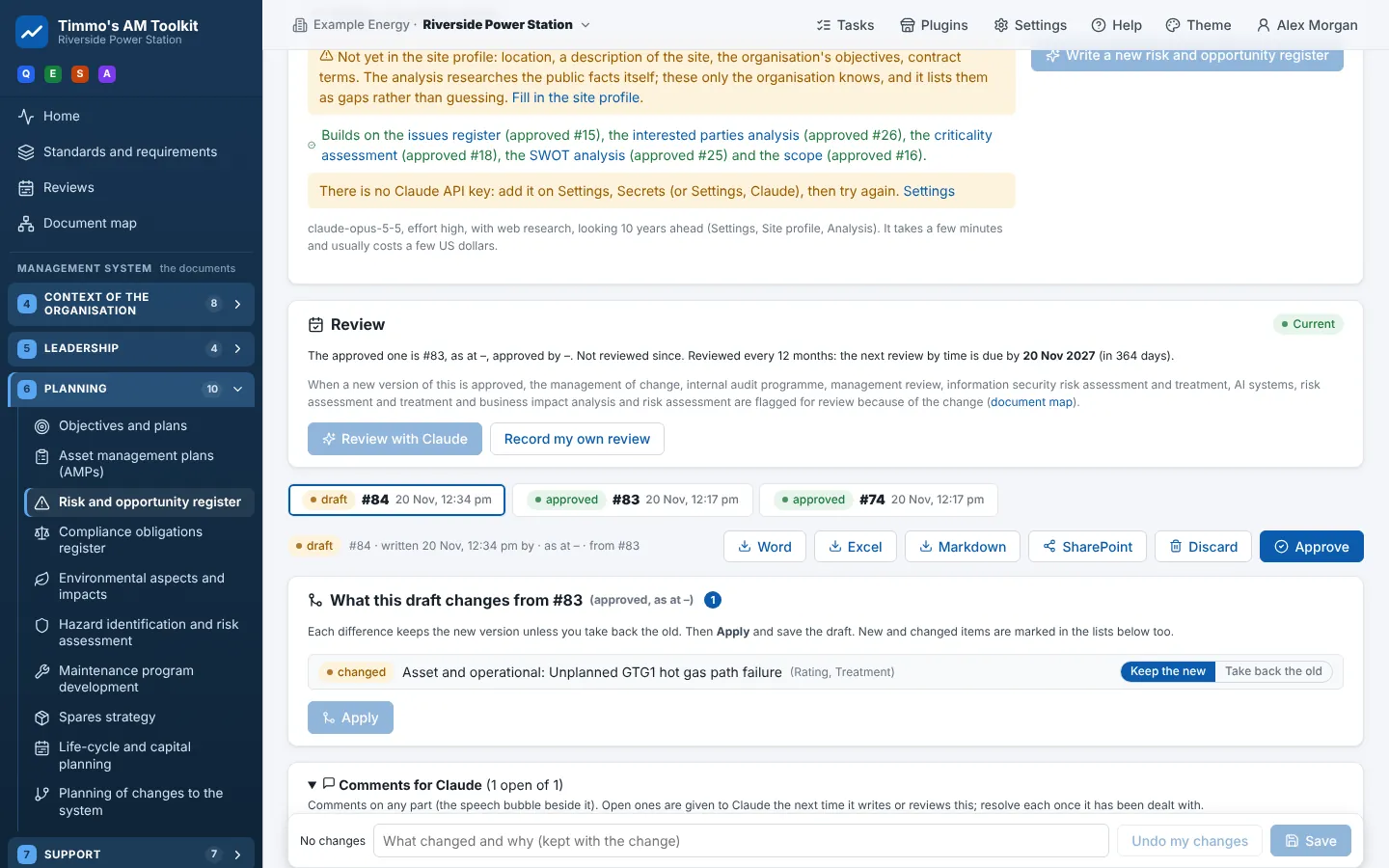
Every document (the analyses of clause 4, the policy and roles of clause 5, the procedures, and the registers, plans and
procedures of clauses 6 to 10) is one kind in readiness.analysis.KINDS. A kind has a JSON schema, a method prompt,
what it builds on and how its entries are grouped. Everything else (the page, the editor, the comparison of versions,
the Word report, the review, the help page) follows from the kind.
A kind
| Field | What |
|---|---|
key |
The kind (risk_register): the key its versions are kept under |
title |
Its name (Risk and opportunity register) |
prompt |
Its method: src/readiness/prompts/<key>.md, with {today} and the like filled in |
schema |
The JSON schema of its content: strict (every field required, nothing extra) |
items, noun, group_by, groups |
Its entries (risks), what one is called, and how they are grouped (category: Strategic, Asset and operational ...) |
builds_on |
The kinds whose approved version Claude is given, and whose next approval flags this one for review |
system |
The shared instructions (tools_system.md for clauses 6 to 10) |
corporate, plan |
Whether it is shared by every site (the corporate plan, the SAMP) |
site_inputs |
The site data it is given (the risk matrix, the asset hierarchy, the failure history ...) |
The kinds of clauses 4 and 5 are written in analysis.py; the kinds of clauses 6 to 10 are declared in
src/readiness/toolkinds.yaml and built by toolkinds.py.
Writing one: the flow
- Strict output. Claude answers by calling one tool whose input schema is the kind's schema; with
strictthe API holds the answer to it. A schema too large for strict mode is checked byanalysis.checkand sent back to be put right. - Research. Where a kind researches (the facts, the corporate plan), Claude may search the web; the pages it read are kept with the version (Pages Claude consulted).
- Reviews. A review is asked for like a document of its own (
review_schema(kind)): the approved document goes in, with what has changed since; the findings and the document revised come out, as a new draft. - Versions.
draft→approved(the one before becomessuperseded), ordiscarded.compare(kind, old, new)gives the differences the page lets people keep or take back. - The document map.
modules/docmap.pyfollowsbuilds_onboth ways: what a document relies on, what relies on it, and which approved documents are flagged when one changes. - Reports.
layouts.pylays a kind's content out for Word (cards, coloured ratings, tables) andreports.pywrites Word, Excel and Markdown;sharepoint.pythe SharePoint package.
Declaring a document of clauses 6 to 10
An entry in toolkinds.yaml:
- key: risk_register                 # the kind
  tool: risks                        # the tool in ims.yaml it serves
  title: Risk and opportunity register
  path: /planning/risks              # its page
  clause: "6.1 Actions to address risks and opportunities"
  items: risks                       # the entries...
  noun: risks
  one: a risk
  group_by: category                 # ...and their groups
  groups: [Strategic, Asset and operational, Health and safety, Environmental, ...]
  builds_on: [issues_register, interested_parties, asset_criticality, swot, ims_scope]
  inputs: [risk_matrix, failures]    # site data: risk_matrix, asset_hierarchy, failures, work_orders, fmeca, maintenance, spares, meters
  top:                               # fields of the document beside its method (optional)
    appetite: "long: The risk appetite and how it is applied"
  fields:                            # each entry's fields: "type: description"
    description: "long: The risk or opportunity, as event, cause and consequence"
    likelihood: "choice[Rare|Unlikely|Possible|Likely|Almost certain]: Likelihood with the existing controls"
    treatment: "long: The treatment"
    owner: "text: The role who owns it"
Field types: text, long (a paragraph), list (of short statements), choice[A|B], choices[A|B] (any of), or a
table: {records: description, fields: {...}}. Every entry also gets its group, a title, the standards it bears on and a
confidence. shape: procedure makes it a procedure (purpose, scope, principles, references, definitions, roles,
process steps, then its entries) rather than a register.
Then:
- The tool in
ims.yaml:{key: risks, document: risk_register, live: true, path: /planning/risks, name: ..., clause: "6", meets: [risks, planning-action], summary: ..., will: [...]}.meetsnames the requirements it serves. - The method:
src/readiness/prompts/<key>.md: what to write, from what, and how to rate. - The help page:
python scripts/docs/guide_pages.pywritesdocs/guide/<Title>.mdand its section on the clause's page. A test fails while it is out of date. - Tests:
tests/test_tools.pychecks every kind: its schema, a sample document through the editor, the report, the page and its help. Nothing to add for an ordinary kind.
The front end needs nothing: it builds a route for every kind from /api/app (ims.documents).
A document of clauses 4 and 5
Written in analysis.py as a Kind(...) with its schema (built with the helpers there: _doc, _records, _s), a
prompt, and a route in frontend/src/App.tsx (<AnalysisPage kind="..." help="..." />). Its help page is written by
hand; guide_pages.py adds its fields and where it sits.
Plugins that put a document to work
A plugin asks for documents:read:<kind>; when the document is approved, the plugin's document.approved event runs and
it proposes the records it keeps from it (Plugins). The document's page shows the plugins that put it
to work, installed or not.
See also
- Writing a document (the user's view) · Document map · Reviews